Instant Self-Serve
Kiosk Printing
Print directly from your phone at any QPrint99 kiosk near you. Scan the QR code, select your document, pay via UPI, and pick up your prints in seconds.
QPrint99 Express Kiosk
Online & Ready
No mobile app required. Works directly from Safari, Chrome, or camera app.
How It Works
Six simple steps to get your documents printed instantly at any kiosk.
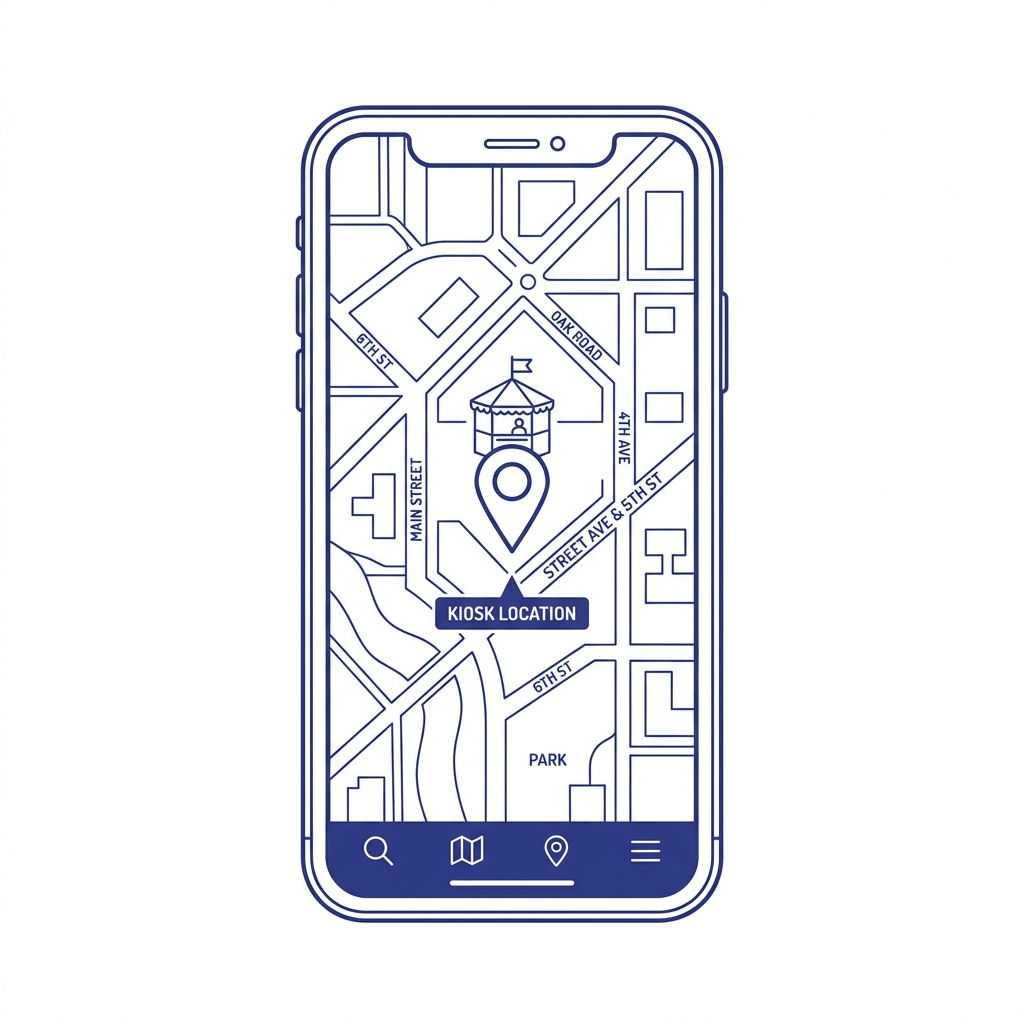
Locate Kiosk
01Find a QPrint99 self-serve kiosk near you or scan the display QR.
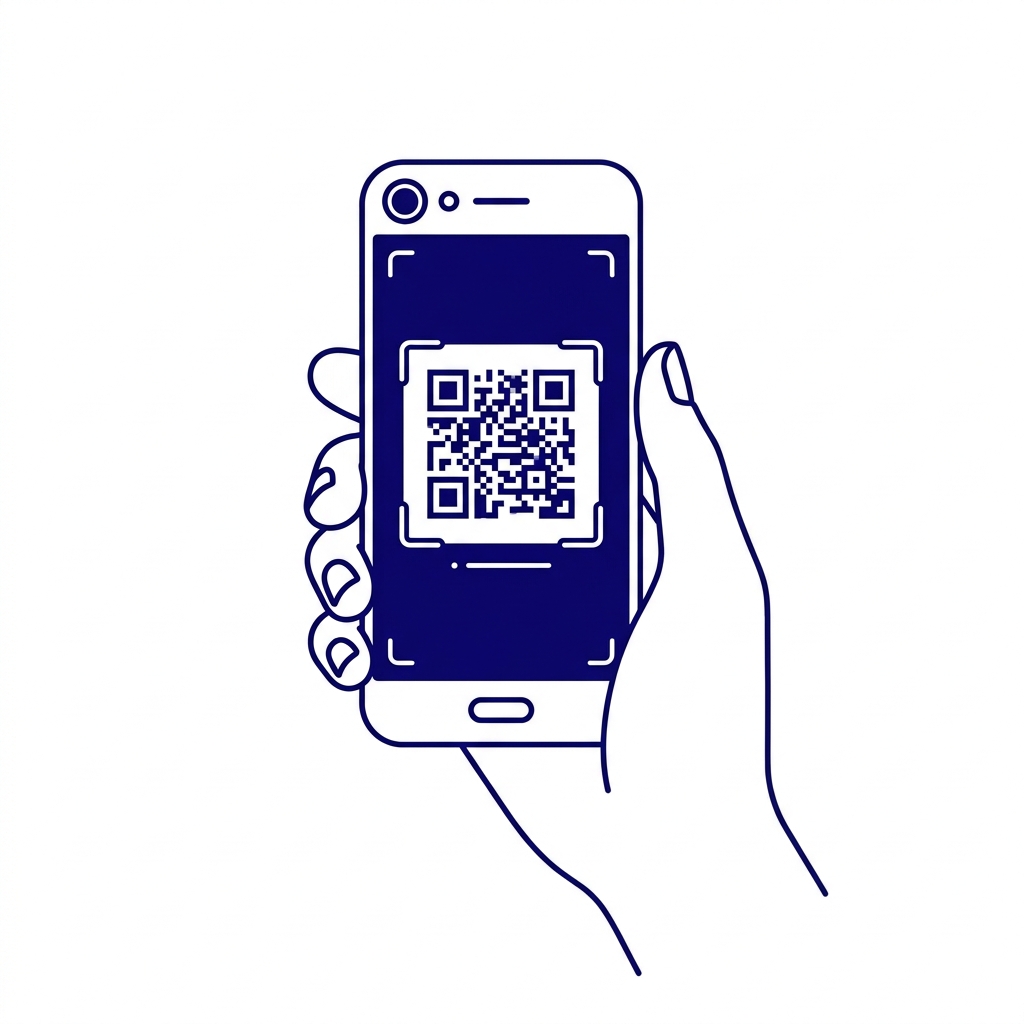
Scan QR
02Open your mobile camera to scan the kiosk QR code instantly.

Upload File
03Select PDF or images directly from your phone storage.
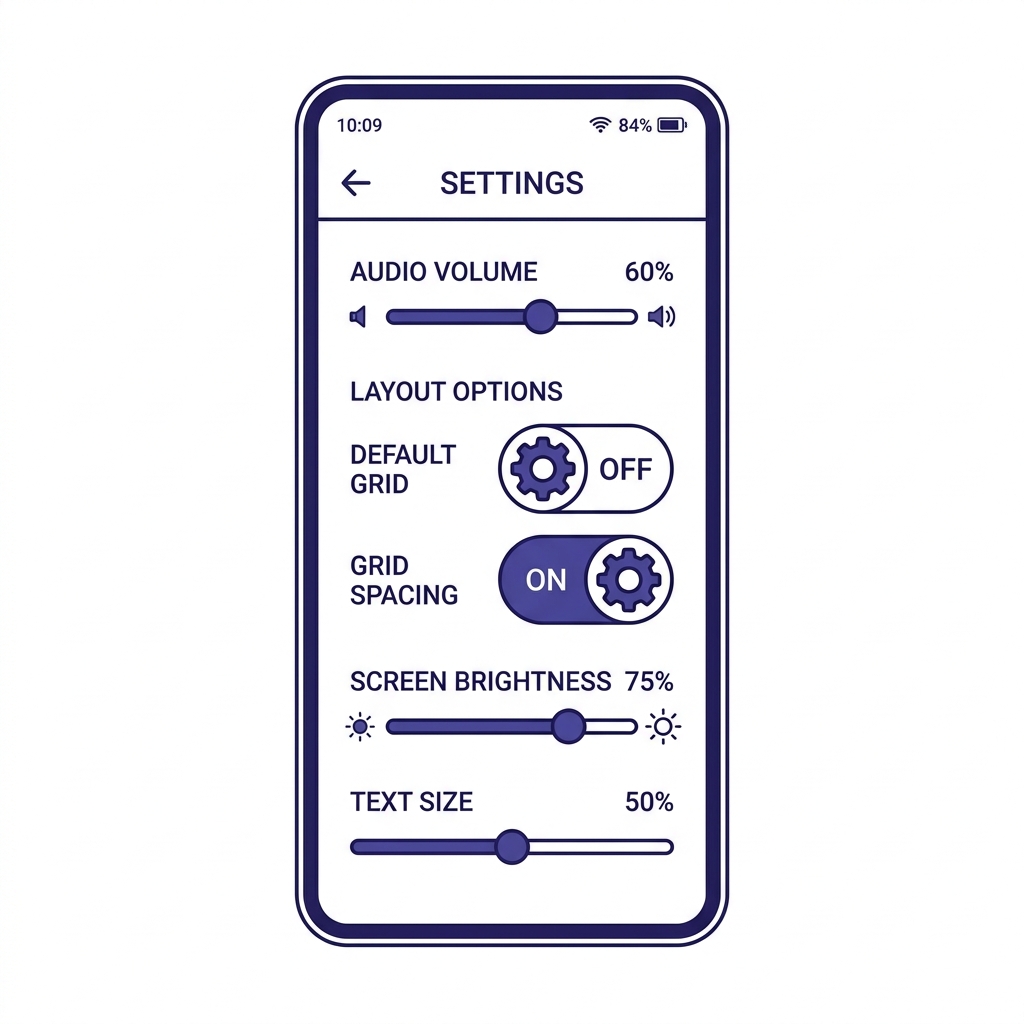
Configure Job
04Select copies, color mode, or page range right on your screen.
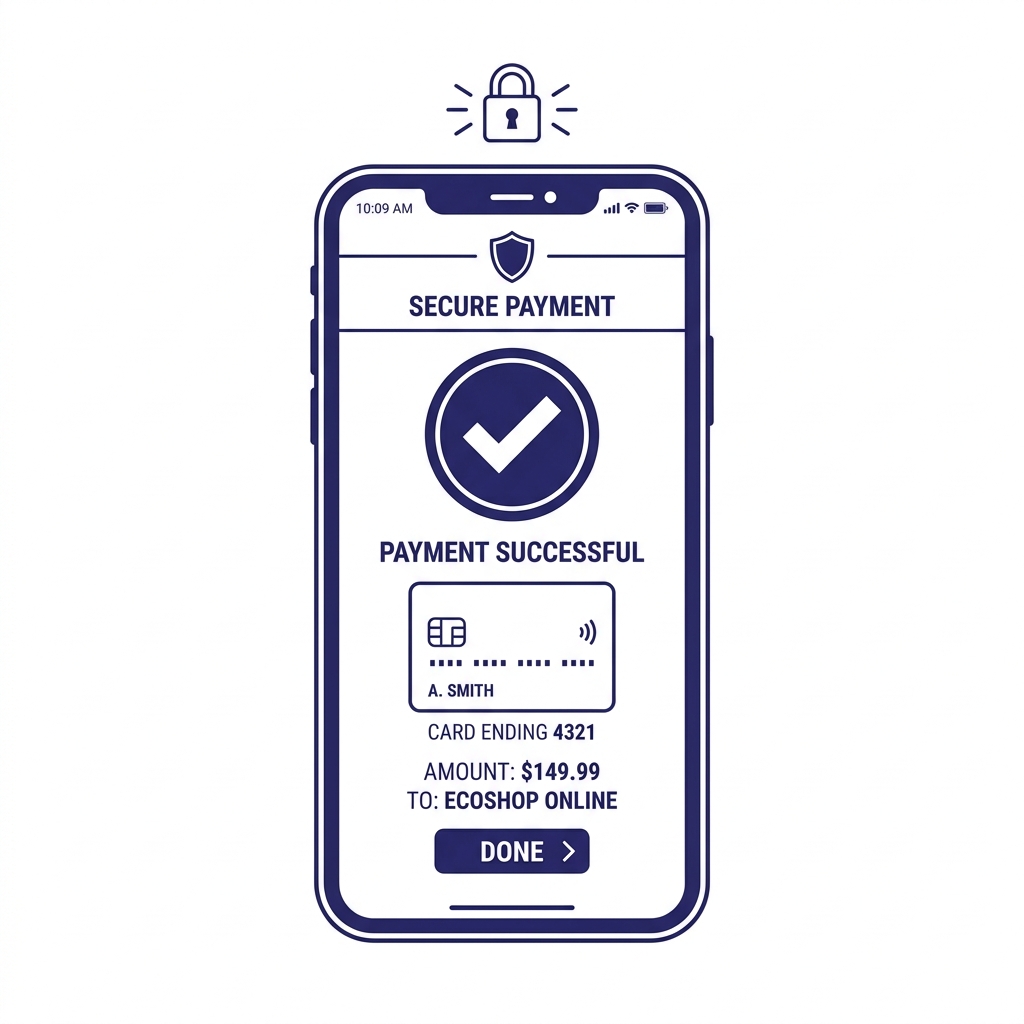
Pay via UPI
05Fast, secure checkout using any UPI or card app.
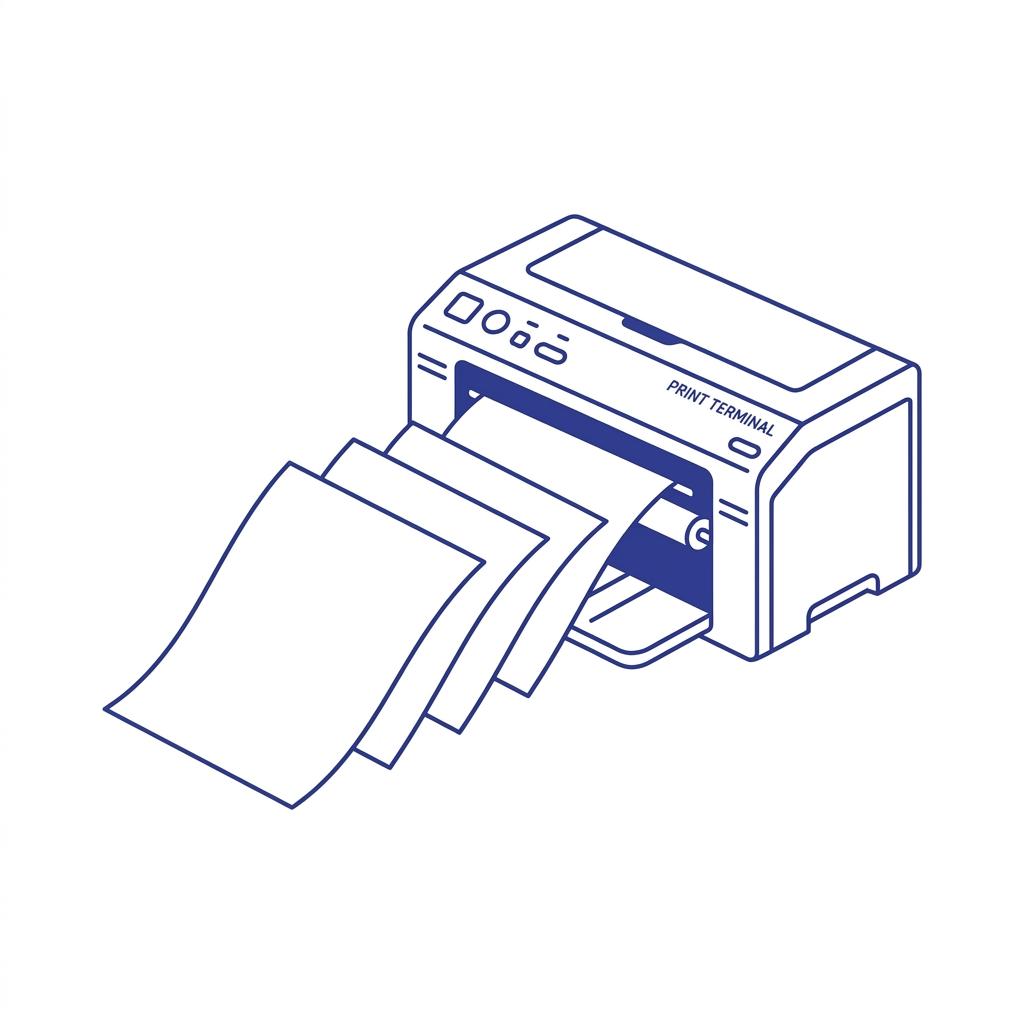
Collect Prints
06Your documents release immediately at the kiosk tray.
Secure Payment Flow
Reliable transaction processing with automated job release.
Select Document
Pick any PDF or photo directly on your smartphone screen.
Choose Preferences
Set copies, color mode, or page range with live price estimate.
Pay via Any UPI App
Scan QR or pay using Google Pay, PhonePe, Paytm, or cards.
Collect Your Print
The kiosk immediately prints and releases your documents into the tray.
Our Growing Impact
Empowering local vendors and simplifying printing for everyone.